
GCDEAL DIGITAL GIFTS · AMAZON
One thoughtful gift.
Plenty of possibilities.
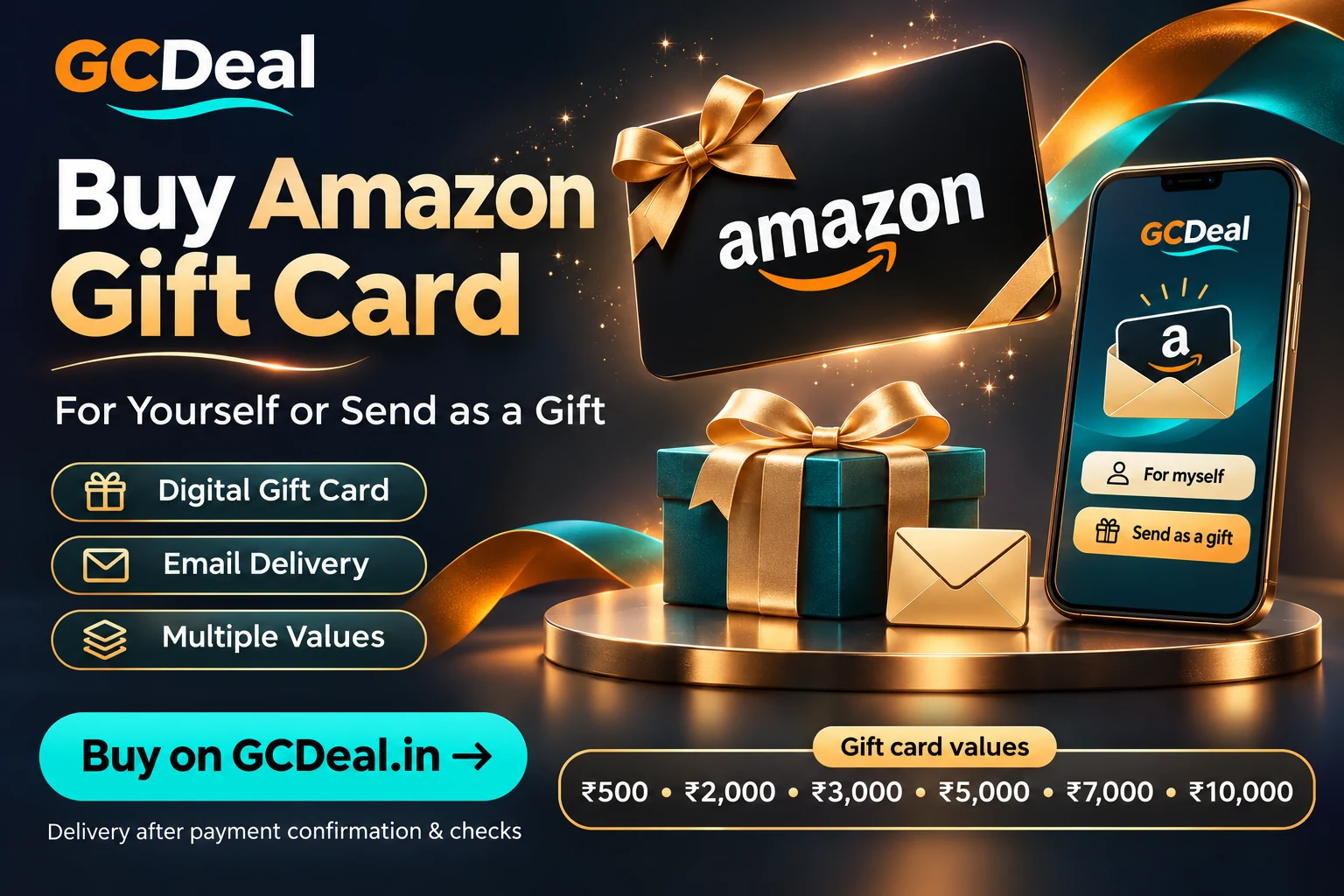
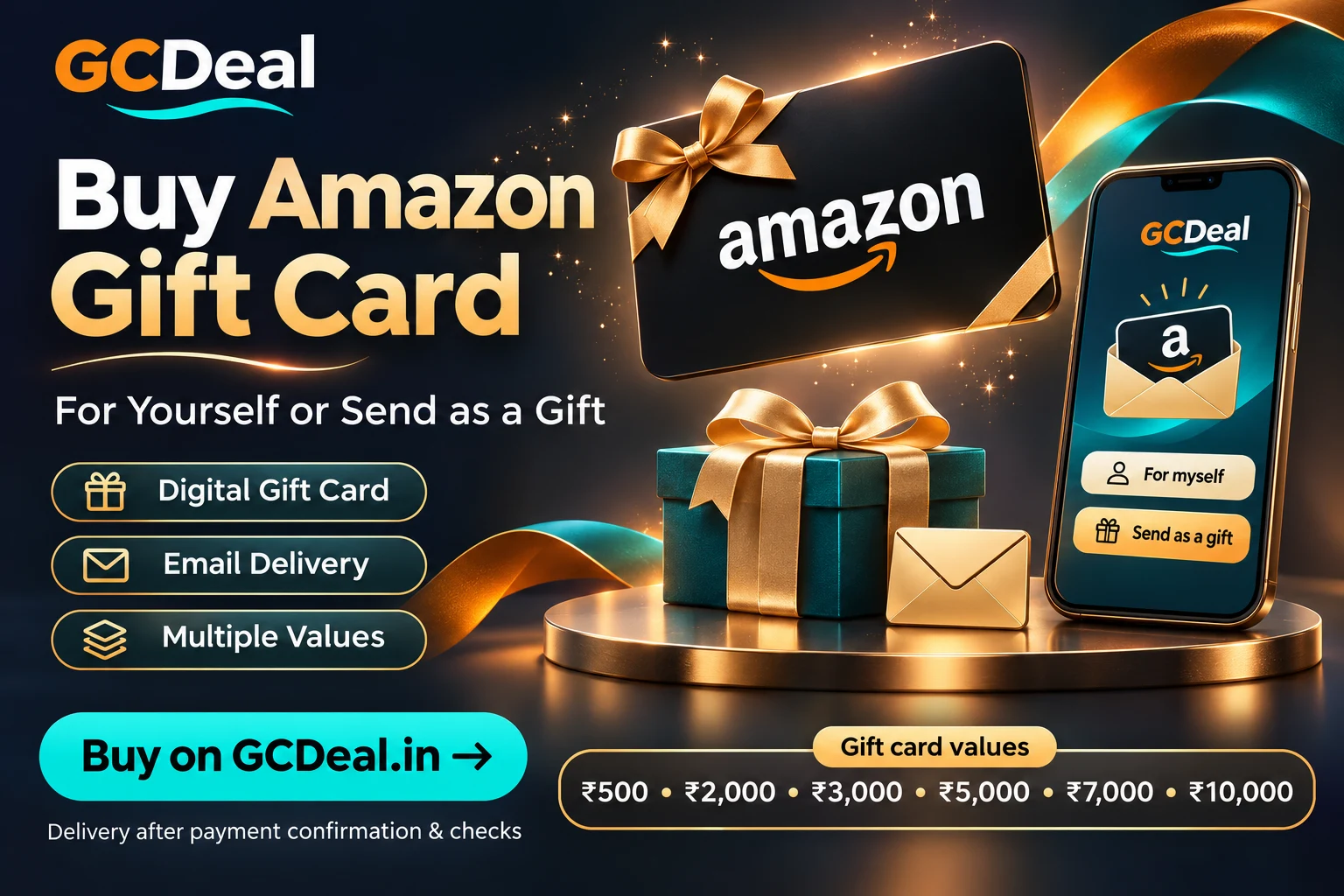
Buy Amazon Gift Cards online on GCDeal. Choose from the displayed voucher values, review the full price and buy for yourself or send a gift directly to someone’s email.
Digital delivery · Values from ₹500 to ₹10,000 · Self or gift · Payment before fulfilment
In this guide
Buy Amazon gift card: choose a value for your occasion
Make a birthday, a thank-you or an everyday surprise easier to plan. An Amazon digital gift card gives you a simple amount to choose and a code to keep or send as a gift.
The process starts with choosing the voucher value. You can then add it to your cart or continue to checkout, review the recipient details and make payment using an available payment method. Your order keeps the purchase and delivery information together.
Buy Amazon gift card: face value and full price
A ₹500 gift card currently costs ₹550 on GCDeal. The extra ₹50 is a 10% purchase markup. The voucher value and the price you pay are different numbers; choose your budget using the full checkout price.
Buying prices are separate from the selling deduction shown elsewhere on GCDeal. A selling payout percentage does not apply to your purchase.
Amazon gift card values and displayed prices
| Gift card value | 10% markup | Displayed price |
|---|---|---|
| ₹500 | ₹50 | ₹550 |
| ₹2,000 | ₹200 | ₹2,200 |
| ₹3,000 | ₹300 | ₹3,300 |
| ₹5,000 | ₹500 | ₹5,500 |
| ₹7,000 | ₹700 | ₹7,700 |
| ₹10,000 | ₹1,000 | ₹11,000 |
These are the prices displayed on the Amazon purchase page when this guide was checked. Live stock, applicable taxes, coupon adjustments and the final payable total are confirmed at checkout.
Buy Amazon gift card: checkout steps
Buy Amazon gift card — 01 · Choose your gift card value
Open the Amazon Buy page and select an available amount. Review both the voucher value and the displayed purchase price. Check the live product information before choosing Add to Cart or Buy Now.
Buy Amazon gift card — 02 · Check your cart
Review the brand, selected value, quantity and subtotal. If you change quantity, check the updated total before proceeding. Keep the correct brand in your cart, especially if you are buying more than one gift card.
Buy Amazon gift card — 03 · Buy for yourself or send a gift
At checkout choose For myself or Send as a gift. For gifting, enter and confirm the recipient email. You can also add a recipient name, the sender name and a personal message to make the delivery feel thoughtful.
Buy Amazon gift card — 04 · Review the final total and pay
Check the order summary and use a valid coupon if you have one. Apply it before payment so the accepted discount appears in your total. Choose an available payment option and complete the payment through the gateway.
Buy Amazon gift card — 05 · Follow your order and delivery
After payment, use the confirmation screen and View Order option to check progress. Payment confirmation and gift card fulfilment are separate steps. Once the card details are prepared and the order is completed, delivery is submitted by email.
Buy Amazon gift card: self purchase or gift delivery
For myself
Choose this option when you want the card for your own use. Keep your purchase email accurate and follow the order in My Purchases. Completed orders with prepared voucher details show the code in the order details.
Send as a gift
Choose this option to send the gift card delivery email to a recipient. Confirm their address carefully and add an optional personal message. Your billing email remains separate for the purchase receipt. When fulfilment is completed, the prepared gift card is sent to the recipient email saved with that order.
Buy Amazon gift card: delivery timing and order status
GCDeal targets digital delivery within 30 minutes after payment confirmation and the required checks. Voucher preparation and fulfilment may require processing. Do not assume the code arrives the instant you press Pay.
The card is digital, so there is no physical shipping for this listing. For a self purchase, check the order email and My Purchases. For a gift, ask the recipient to check their inbox and spam folder after delivery has been submitted. If you need help, keep the order number ready.
Buy Amazon gift card: pre-purchase checklist
- Confirm the exact Amazon voucher type in the listing. Amazon Gift Cards and Amazon Shopping Vouchers are separate products, so choose the one that matches your intended use.
- Check the exact gift card expiry supplied with the product rather than assuming a universal validity period.
- Review the face value, full price, quantity and final payable total.
- Double-check the gift recipient email before payment.
- Review the current refund and cancellation policy before placing the order.
- Keep your code, PIN where applicable and account credentials private.
Buy Amazon gift card: apply a checkout coupon
Tap Have a coupon? on the cart or checkout page, enter the code and select Apply coupon. WooCommerce checks whether the coupon applies to your cart. An accepted discount appears in the total; an invalid, expired or inapplicable coupon should show a message. Confirm the revised amount before paying.
A checkout coupon normally adjusts what you pay, not the face value selected for the gift card. Always verify the value and quantity shown in the order.
Keep your gift card secure
Redeem through the official brand website or app using the instructions delivered with the voucher. Avoid sharing the code in a public review, screenshot or social message. For a delivery issue, contact support@gcdeal.in with your order number and a short description; do not include passwords or banking OTPs.
Buy Amazon gift card: choose a gift that fits the recipient
Before choosing an Amazon card, identify whether the listing is an Amazon Pay Gift Card or an Amazon Shopping Voucher. These are separate products with different eligible uses. Match the exact product to the recipient’s needs; the Amazon logo alone is not enough to establish that two voucher types work in the same way.
Start with an amount you are comfortable paying, then separate that budget from the voucher’s face value. On GCDeal, the displayed buying price includes the current purchase markup. A larger denomination is not automatically a better present if it exceeds your budget or the recipient has no suitable purchase in mind.
For birthdays, thank-you gifts or family celebrations, check the recipient’s email before planning the delivery. Ask how they would like to receive a digital gift without requesting a password. A correct destination and a suitable card matter more than a decorative message that reaches the wrong inbox.
Buy Amazon gift card: understand the checkout numbers
A ₹2,000 face value currently has a displayed price of ₹2,200 at a 10% purchase markup. If you choose two of that denomination, review the quantity and the resulting ₹4,400 product total before any checkout adjustment. The face value remains the card amount; it is not the amount you paid for the order.
A coupon, when valid and accepted by checkout, normally reduces the payable purchase amount rather than increasing the card’s face value. Confirm the revised total after applying a code. Do not assume a promotion applies until checkout shows the adjustment, and do not calculate a discount from an unrelated selling payout rate.
Review the final payable amount and the order’s brand before entering the gateway. If you change quantity, return to the updated summary and check it again. A payment screen should correspond to the order you intend to place. Avoid opening several duplicate checkout attempts merely because you changed your mind about a value.
Plan self delivery and gift delivery separately
Choose For myself when you want the purchased card for your own use. Keep your purchase email accurate and retain access to your GCDeal account. After fulfilment, use the order record and delivery message to find the prepared card details. Payment confirmation and code fulfilment describe different stages.
Choose Send as a gift when the delivery should go to someone else. Enter and confirm their email carefully, including the domain after the @ symbol. Keep your own billing email separate for the receipt. A recipient name and message should make the gift understandable without exposing private financial information.
Before you buy Amazon gift card, read the final recipient summary rather than relying on your browser’s autofill. A stored address can belong to an earlier order. If the destination is wrong, correct it before payment. After an order is submitted, contact support promptly about an error rather than assuming an email can always be recalled.
Write a useful digital gift message
Keep the message personal and easy to recognise. For a birthday, a simple line such as “Happy birthday—choose something you will enjoy” explains the occasion without making a promise about a specific product. For a thank-you, identify yourself so the recipient knows why the digital gift arrived.
Do not include account passwords, banking information or private documents in the gift message. The message is part of the delivery record and should contain only what you intend the recipient to read. If several people contributed to a gift, use the sender name you want displayed rather than an account login or email address.
If you buy Amazon gift card for a time-sensitive occasion, allow for payment confirmation, the required checks and voucher preparation. GCDeal’s delivery target should not be interpreted as a guarantee that an email will reach an inbox at an exact minute. Keep the order reference handy if you need to ask about progress.
Payment made: what to check next
After the gateway completes, read the order confirmation and save the order number. A successful payment does not by itself mean that a gift-card code has already been prepared. Follow the order status and delivery information together. Do not place another order solely because the fulfilment email has not arrived immediately.
For a self purchase, check the email account saved on the order and the My Purchases area. For a gift, the saved recipient address is the delivery destination. The buyer’s receipt and the recipient’s gift delivery are separate messages, so a receipt in your inbox does not establish that the recipient has already opened the card.
If the result of payment is unclear, check the existing order and your payment record before trying again. A pending or failed attempt needs to be understood on its own. Provide the order number and a short description to support instead of posting a transaction screenshot containing unnecessary personal or banking details.
Buy Amazon gift card: resolve a delivery question
First check the order status, saved destination and spam or promotions folders. Ask the intended recipient to look for the message after fulfilment has been recorded. A mistyped address and a filtered email are different problems; knowing which one occurred helps you ask a more useful support question.
A clear enquiry is: “My order number is [reference]. I purchased [brand and value] on [date]. The current status is [status], and the delivery issue is [description].” Replace the placeholders with your own details. Do not include banking OTPs or account passwords. Share only the transaction reference needed for the specific enquiry.
If you buy Amazon gift card and later notice the wrong brand or denomination, contact support promptly and review the current cancellation policy. Do not assume a prepared or delivered digital code can always be cancelled. Explain the actual mistake and refer to the existing order instead of creating a new order to conceal the error.
Keep the purchased card secure after delivery
Treat the code and any applicable PIN as private. Redeem only through the intended brand’s official route and follow the instructions supplied for that voucher. A gift card is not an instruction to share your shopping account with the sender or a stranger offering help. Keep your login credentials separate from the delivery details.
If you send a gift, avoid forwarding a screenshot of the code into a public group. Use the intended delivery address and let the recipient store the message privately. If a voucher fails during redemption, record the error without publishing the complete code. Clarify whether the issue concerns delivery, the voucher product or the brand’s redemption process.
Keep your order reference and purchase confirmation for your records. When sharing a review, describe the service and the occasion rather than exposing a redeemable card or somebody else’s email. Once the gift has been fulfilled, continue to use the original order number for any follow-up so the history stays together.
Already have an unused Amazon card? Review your options
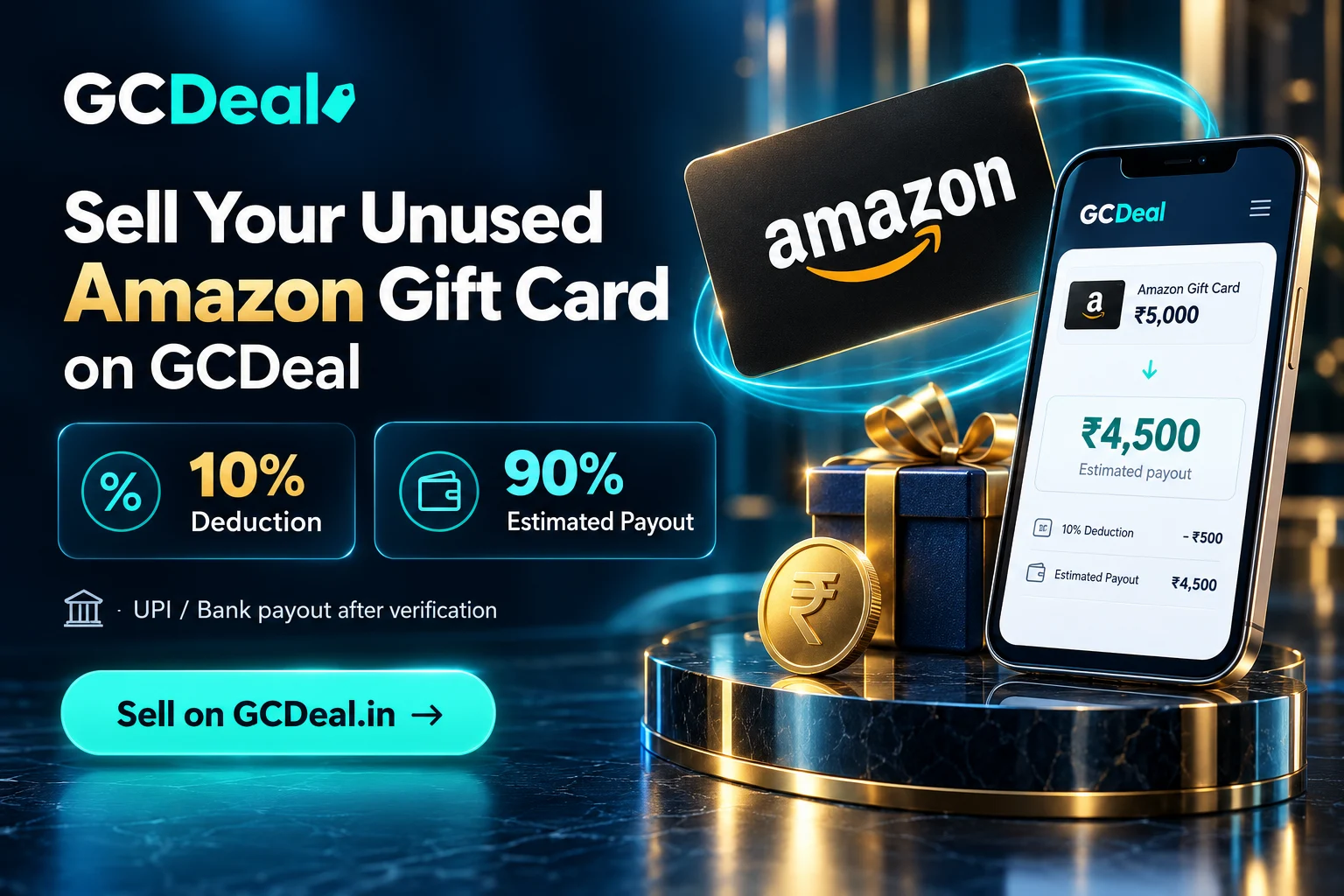
Buying a new gift and submitting an existing unused voucher are different decisions. If you already hold a card you do not plan to use, read the relevant GCDeal selling guide before purchasing another. Selling involves a deduction and review, while buying involves the displayed purchase price. The two amounts should never be presented as the same rate.
Do not buy a new card on the assumption that reselling it will create a profit or guarantee an immediate payout. Check the Amazon gift-card terms for the exact product, and review the live listing before ordering. GCDeal is independent of the named brand and its workflow does not replace issuer conditions.
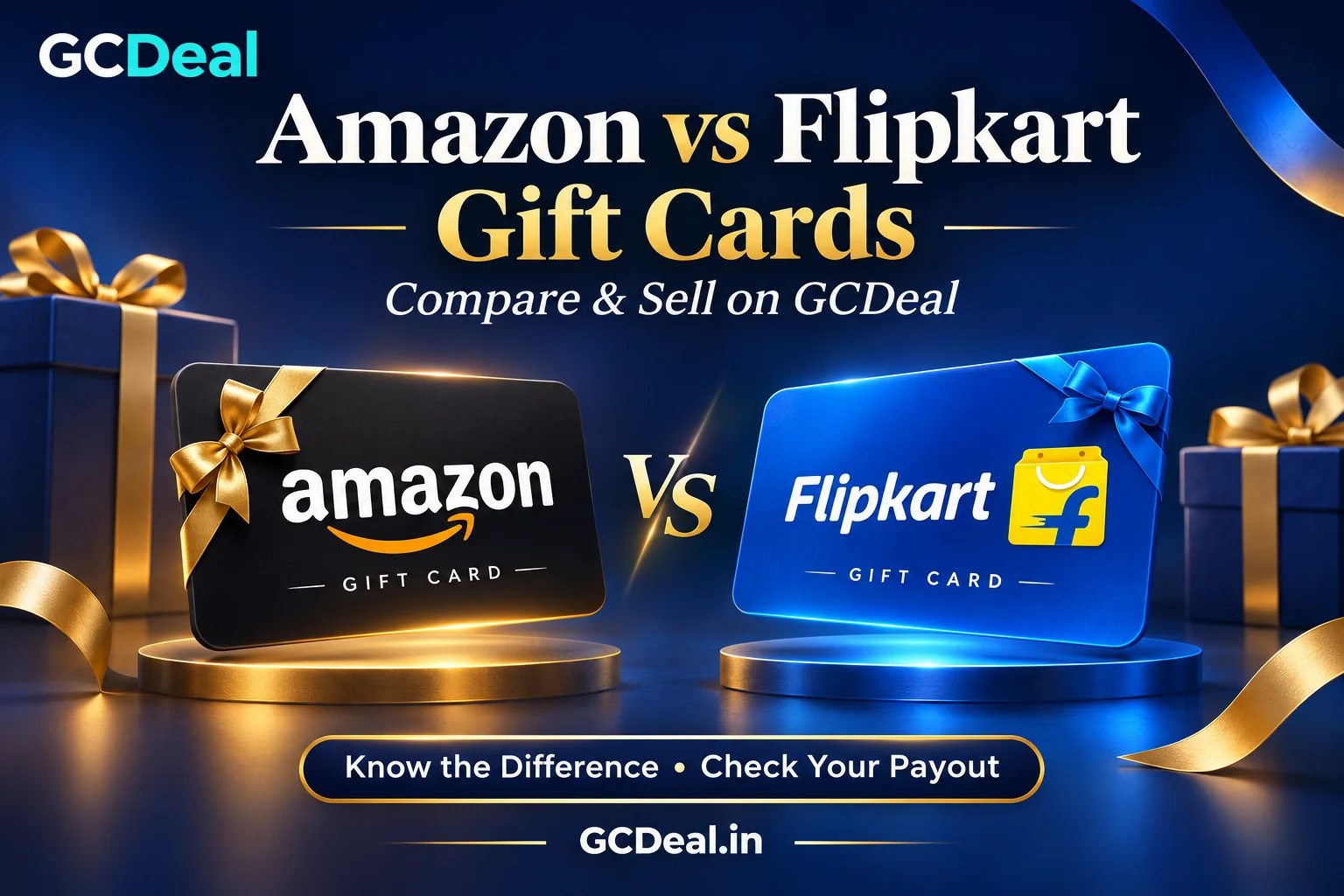
For broader context, see the Amazon and Flipkart comparison. It explains why platform, product type and transaction purpose matter. Choose a card because it suits the intended use, keep the full checkout price visible, and save the final order reference after payment.
Amazon buying FAQs
Where can I buy a Amazon Gift Card on GCDeal?
Use the brand-specific Buy button in this article. It opens the Amazon purchase page, where you can choose an available value and review the current price.
What values are displayed?
The current catalogue lists ₹500, ₹2,000, ₹3,000, ₹5,000, ₹7,000 and ₹10,000. Availability is shown on the live purchase page and may change.
Why is a ₹500 card priced at ₹550?
GCDeal currently displays a 10% purchase markup. The ₹500 is the voucher’s face value; ₹550 is the displayed price before checkout adjustments or any additional amount shown there.
Can I send it directly to another person?
Yes. Choose Send as a gift at checkout and enter the recipient email twice. The gift card delivery email is sent to that saved address when the prepared voucher is fulfilled.
Will I receive it instantly?
Delivery follows confirmed payment, required checks and code preparation. The target is within 30 minutes after payment confirmation and checks; it is not guaranteed to happen immediately.
Where can I find my purchased code?
For a self purchase, check the delivery email and open My Purchases → View order details after the order is completed and the code is ready. For a gift order, delivery is directed to the saved recipient email.
Can I use UPI to pay?
Use the payment methods currently offered by the checkout gateway. The live checkout is the source for available UPI, card or banking options.
What if the email does not arrive?
Check the order status, saved email and spam folder. Contact GCDeal support with the order number if delivery remains unclear. Avoid placing a duplicate order just because an email is delayed.
Can I cancel after ordering?
Check GCDeal’s current refund and cancellation policy before purchase. Digital code fulfilment can affect cancellation availability; contact support promptly if you need help.
Ready to buy your Amazon Gift Card?
Choose a value that fits the occasion, check the full price and decide whether the card is for you or a gift recipient. Your next step is the live brand page.
Explore all gift cards · Refund & cancellation policy · Contact support
Prices and site features checked on 2 November 2026. Stock, final checkout prices, voucher validity and delivery processing may vary. GCDeal is independent of the brands named in this article.