
Amazon
Everyday shopping

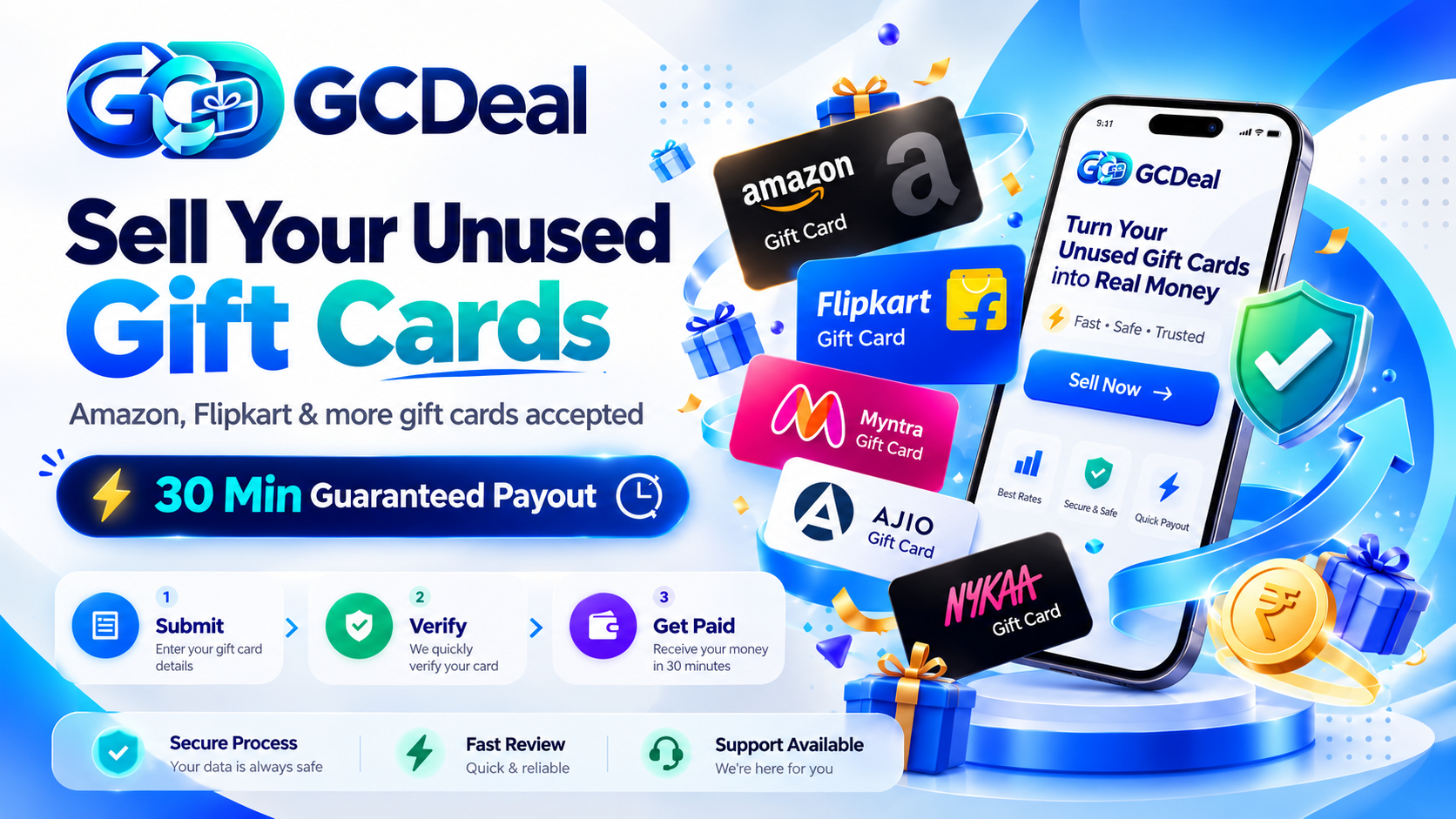
Sell eligible unused Amazon and Flipkart gift cards online in India with 8% deduction and 92% estimated payout to bank or UPI. Payout is targeted within 30 minutes after successful verification.
Sell or buy gift cards from your favourite brands
Everyday shopping

Find your next favourite

Style, on your terms

A fresh wardrobe starts here

A little beauty, a little joy
Issuer terms and individual eligibility apply. Amazon Shopping Vouchers also have a selling option in the submission form.

Choose a brand, select an available amount and review the displayed price and redemption terms before checkout.
Available values and stock are shown on the purchase page.
Choose your card and amount to see the deduction and estimated payout before submission.
Estimate only. Subject to card eligibility and successful verification.
Sell Gift Card →Enable JavaScript to calculate your payout, or view the brand-wise rates below.
Choose your brand, review the estimate and submit the required gift card details through the dedicated form.
Our team checks card details, balance, expiry and eligibility. Additional ownership verification may be requested.
Check that your bank or UPI information is accurate. No separate offer acceptance is required.
After successful verification, payment is processed using the displayed deduction rate. Follow updates in your account.
Keep your submissions, payout details and profile together. Sign in to follow your card’s progress and manage your information.
Feature overview. Sign in to see your actual submission information.
Practical guides for the decisions that matter.
What to prepare, where to submit and how to follow your gift card after review.
Read the seller guide →Understand validity, ownership and issuer transfer rules before you start.
Check eligibility →Protect voucher details, recognise suspicious requests and use official support.
Explore safety tips →GCDeal brings buying and selling together with understandable steps, visible payout estimates and a structured review process.
Meet GCDeal →Keep your Gift Card ID ready and contact official support.
Discover digital gift cards from Amazon, Flipkart, Myntra, AJIO and Nykaa. GCDeal brings brand-wise buying options, transparent displayed prices, gift-card verification guidance and a submission path for eligible unused cards into one place. Whether you are shopping for a digital voucher or checking if a legally transferable card can be reviewed, start with the correct product and issuer terms.
Choose a gift-card brand, select one of the available voucher values, check the full checkout price and delivery policy, and understand the relevant issuer’s redemption conditions before payment. The price charged can be higher than the card’s face value.
Explore all Buy options →Check whether the exact card type and transfer are permitted under issuer terms. Where eligible, review an estimated payout, submit accurate details securely, and track verification and payment. Sending a card does not guarantee a sale or payout.
Open Sell Gift Card form →Looking for “sell Amazon gift card” or “sell Flipkart gift card online”? A brand name alone is not evidence of resale eligibility. Read Amazon resale restrictions → and read Flipkart rules → first.
Compare buying choices and review how each brand’s gift-card rules affect validity, redemption and any permitted transfer. Every issuer can set its own eligibility and restrictions.
Find Amazon digital card values and check the key difference between shopping, redeeming and third-party resale.
Amazon buying guide →Check available Flipkart denominations and learn about redemption rules, restrictions and delivery conditions.
Flipkart buying guide →See available Myntra vouchers and review issuer restrictions before making a purchase or enquiry.
Buy Myntra gift cards →Explore AJIO digital vouchers, prices and applicability to eligible products.
Buy AJIO gift cards →Explore Nykaa gift card options for eligible beauty purchases, with price and redemption details.
Buy Nykaa gift cards →A comprehensive starting point for checking exactly which cards GCDeal lists and how eligibility is reviewed.
Explore all brands →Confirm brand, value, validity, ownership and whether an external transfer is permitted. Certain products prohibit resale or cash conversion.
Eligibility policy →Enter the requested details only through the official GCDeal form. Your Gift Card ID helps track validation, eligibility and any requested follow-up.
Read seller guide →For eligible approved cards, payment to your verified bank account or UPI follows successful checks using the displayed deduction rate. No separate offer acceptance is required.
Payout process →Choose available gift-card values on the Buy page, or understand eligibility and security requirements before submitting an unused card for review. Use official guidance instead of offers that pressure you into sharing codes or banking OTPs.
Buying, selling or following a submission? Start here.
Explore all FAQs ↗Start by checking your card’s brand, balance, expiry and transfer rules. Sign in to GCDeal and add accurate bank or UPI information in Payout Details.
Open Sell Gift Card, select the correct brand and enter the required contact and voucher details in the dedicated form. Review the payout estimate before submitting and save the Gift Card ID shown afterwards.
Our team verifies the card details and validates its eligibility. Payment follows successful verification using the displayed deduction rate and confirmed bank or UPI details. No separate offer acceptance is required.
Start sellingThe current Buy catalogue includes Amazon, Flipkart, Myntra, AJIO and Nykaa gift cards. Select a brand to open its purchase page.
Choose an available value and review the displayed purchase price. Check the issuer’s redemption terms and restrictions before continuing to checkout; the purchase price may differ from the voucher’s face value.
Availability and values are shown on the purchase page. Amazon Shopping Vouchers listed for selling are separate from the Amazon Gift Card Buy listing.
Explore Buy optionsThe current sell form applies an 8% deduction to Amazon Gift Cards, Amazon Shopping Vouchers and Flipkart cards. Myntra, AJIO and Nykaa currently have a 20% deduction.
For example, a ₹1,000 Amazon or Flipkart card has a ₹80 deduction and a ₹920 estimated payout. A ₹1,000 Myntra, AJIO or Nykaa card has a ₹200 deduction and a ₹800 estimated payout.
Select your brand and enter the amount in the sell form to see your estimate. Card validity, eligibility and verification determine acceptance. No separate offer acceptance is required.
View selling ratesAfter submission, we first verify your card details, available balance and expiry, then validate the card against acceptance requirements. Additional ownership or seller information may be requested.
Payout processing follows successful checks and confirmation of verified bank or UPI details. Any advertised 30-minute payout window applies only after those conditions are met and is subject to eligibility.
It does not begin simply when the form is submitted. Extra verification, inaccurate payment details or payment-provider processing can affect timing. Follow the updates for your accepted transaction.
Understand verification & payoutSign in with the account associated with your gift card submission. Open Tracking or My Listings and locate the card using its Gift Card ID.
Your account may show Received, Under review, Processing, Validated, Paid or Rejected. Validated and Paid are different stages; validation alone does not mean that payment has been sent.
If your listing is missing or an update is unclear, contact official support with your Gift Card ID and registered email. Do not include voucher codes or PINs in the support message.
Open trackingCheck that you are on gcdeal.in before entering any voucher details. Use the dedicated submission fields for a gift card code and optional PIN; keep them out of ordinary email, social messages and public screenshots.
Check validity, balance and expiry through the issuing brand’s official channels. Keep receipts or gifting records available and avoid unknown code-checking websites.
Never share banking passwords, OTPs or your UPI PIN. Pause if someone pressures you to send codes or pay an unexpected fee to release a payout. If details are exposed, contact the card issuer promptly and notify GCDeal if your submission is affected.
Read safety tipsYes, GCDeal accepts Amazon Pay Gift Cards and Amazon Shopping Vouchers for review. Eligible cards have an 8% deduction, giving you a 92% estimated payout to your verified bank account or UPI after successful verification. No separate offer acceptance is required. Eligibility remains subject to the applicable issuer terms.
Amazon gift card guide →No. A purchase from a catalogue is different from submitting an existing gift card for an eligibility review. Buying involves a displayed checkout price and issuer redemption rules; selling requires lawful ownership, issuer-permitted transfer, review and valid payout details.
Amazon Buy Guide →Review the face value, full price (including any markup), expiry, permitted redemptions, cancellation policy and stock before checkout. Gift-card balance is not equivalent to cash. Payment confirmation is separate from voucher fulfilment, and timing is subject to the published policy.
Flipkart Buy Guide →Never post redeemable codes, OTPs, account passwords or UPI PINs in public chats or reviews. Use only official issuer verification channels to check balances, save your GCDeal submission reference and contact support through the official website.
Safety and verification guide →